Artist
A frame for every piece
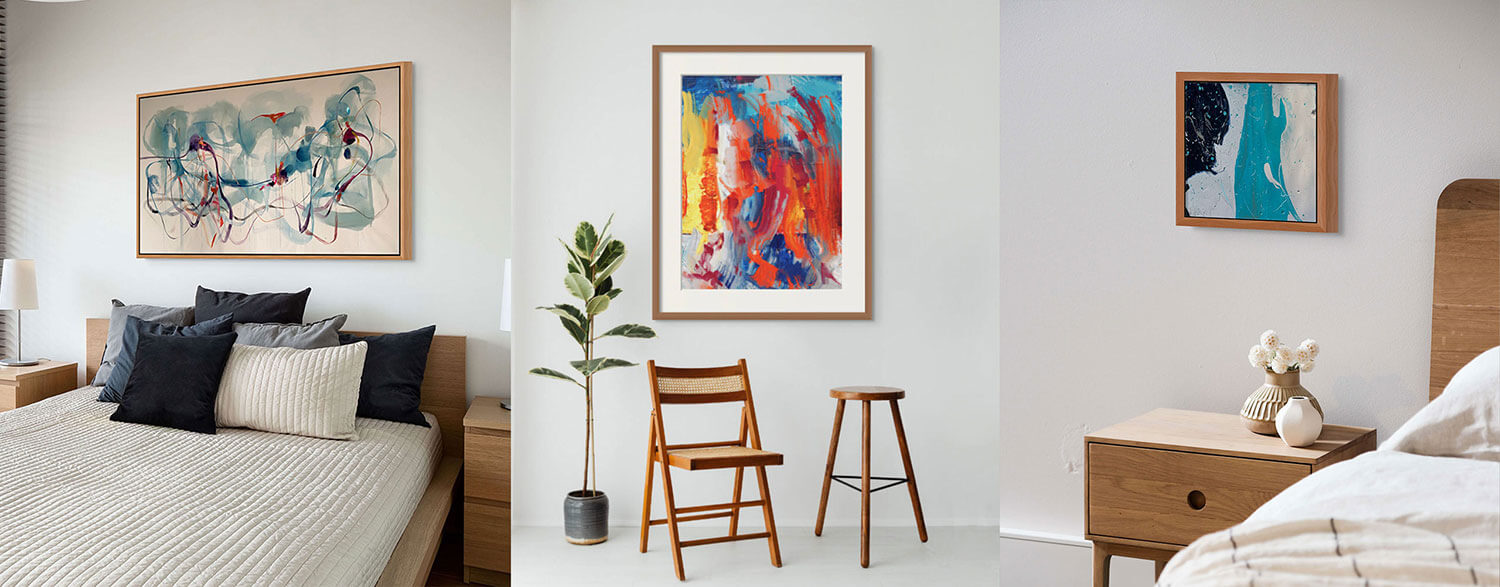
A frame is never just a “frame”, it’s a unique touch that can highlight a work of art and make it pop off the wall. That’s why there are many different types of frames in the market, each one with its particular characteristics.
ArtPlacer brings digital art marketing tools that help artists and gallerists showcase, market, and sell their art. When it comes to presenting your work in an elegant, professional way, focusing on the details can really make a difference, and that’s where ArtPlacer’s framing options come into play.
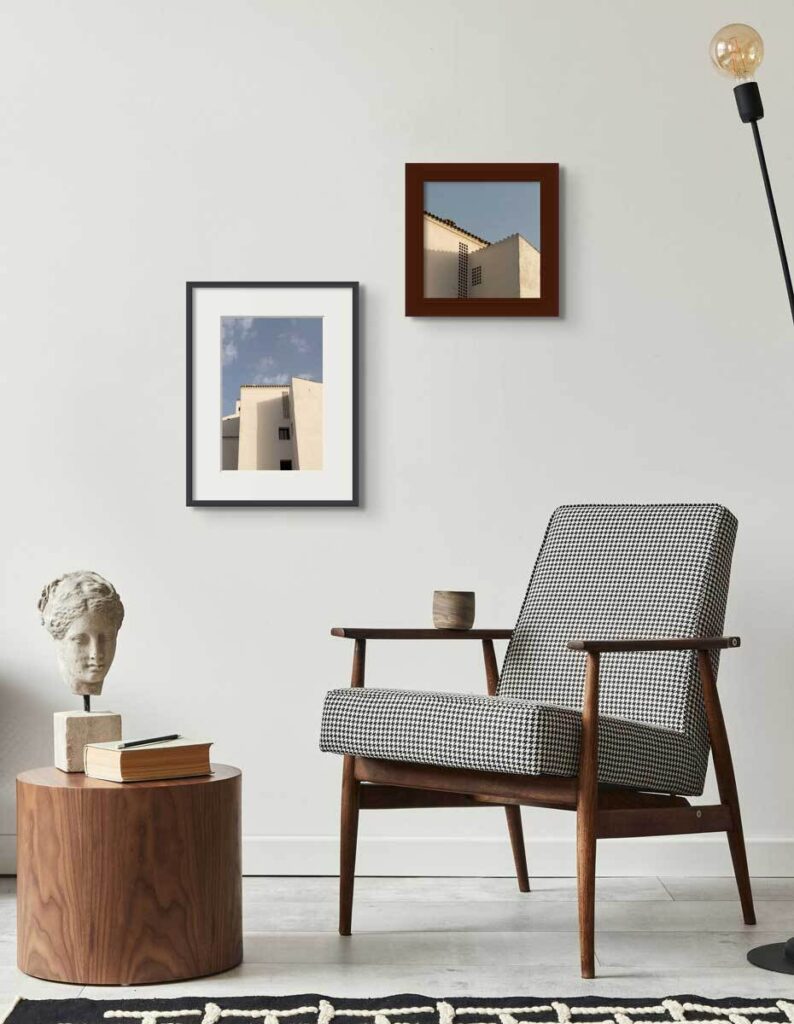
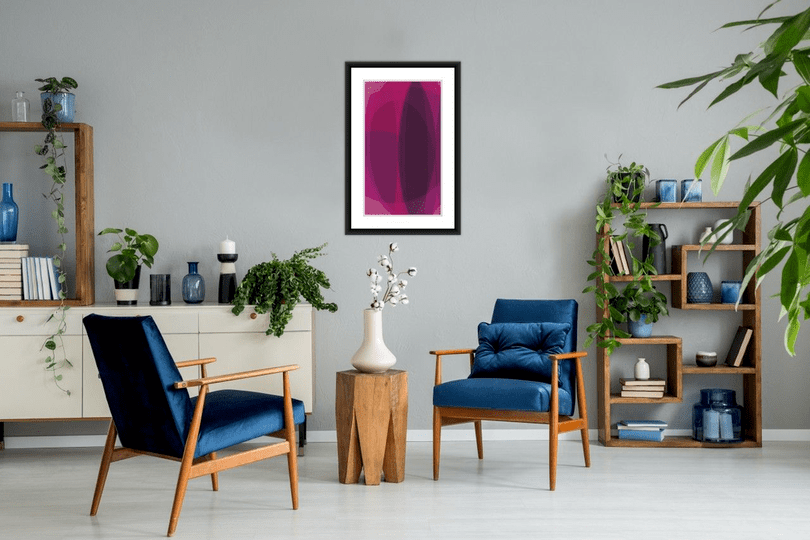
Customized frames can elevate the final look of your artworks in a Room Mockup.
From Room Mockups, Personal Spaces, and Art Show Planner, you can access the Frame Builder to create your own custom, personalized frames, combining a wide range of materials, colors, and matting options. In Virtual Exhibitions, you can choose from a vast selection of frames already designed to fit each venue seamlessly.
Read on to learn how to create and customize your own frames and start adding the finishing touch you need to elevate how you share your art on social media and your professional website.
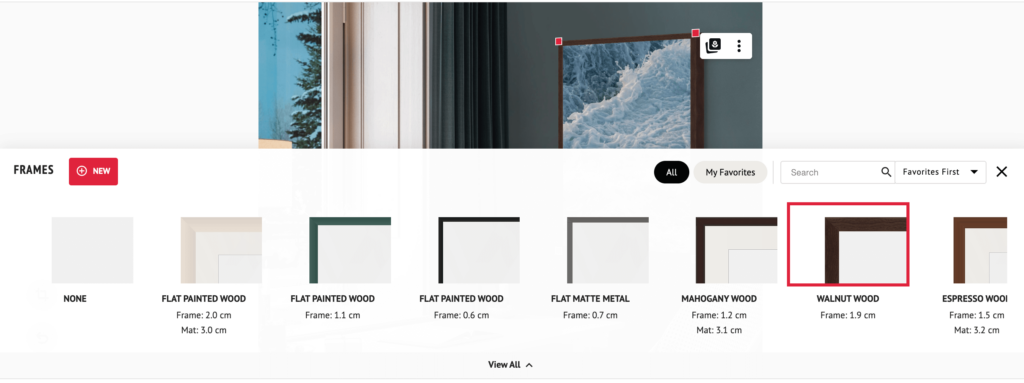
Start by clicking on the “New” button in the Frames tab.
Contents
How to design custom frames for your artworks
Creating a personalized frame for your pieces adds an extra touch of realism and gives collectors a clearer sense of your style. You can do so in Room Mockups, Personal Spaces, and Art Show Planner. Start by adding your artwork and selecting the “Frames” option at the bottom of the screen; from here, you have two options:
- Click on “Create” to open the Frame Builder and create your frame from scratch. Choose width, material, and color, and incorporate a mat, a floating frame, and even a glass reflection if you want to. Name it and save it, and you’re good to go.
- Choose one of the pre-made ArtPlacer frames as a starting point and click on the pencil icon to open the Frame Builder and edit it. Use the many customization options available to adjust the frame to your liking, and once you’re happy with your changes, click on “Save” or “Save as new”.
Pro tip: if you’re saving as new, make sure to name your frame to easily find it again later.
Let’s make a frame that reflects your style!
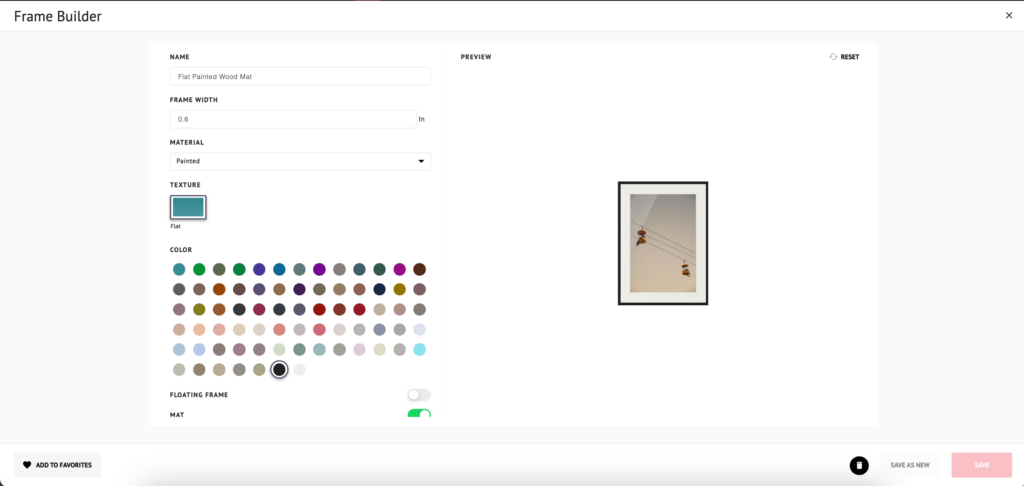
A frame created using ArtPlacer’s Frame Builder.
Materials for art frames and how to choose them
When choosing, editing, or creating a frame, you have to think not only about the art piece itself (color, techniques, medium), but also about the materials and characteristics of the frame and how they will interact with the artwork to highlight it.
Follow this guide on materials and types of frames to customize the ideal frame for your art.
Canvas
To portray a work on canvas, we suggest using a Canvas or a Floating frame. Choose from a variety of natural wood or painted wood colors and set the frame width. Also, establish the gap width between the frame and the canvas.
Mat
Matting and mat boards can help enhance specific colors or shapes on a work of art by making it stand out inside the frame. It can also provide negative space and add dimension to your artworks. Select a Single Mount or a Float Mount and set its width. Then, choose the color from a soft palette of whites and creams or go bold with black to achieve a striking look.
Pro tip: You can select canvas and mat-only frames in ArtPlacer’s Frame Builder (among many other options). Start your free trial and try them out!
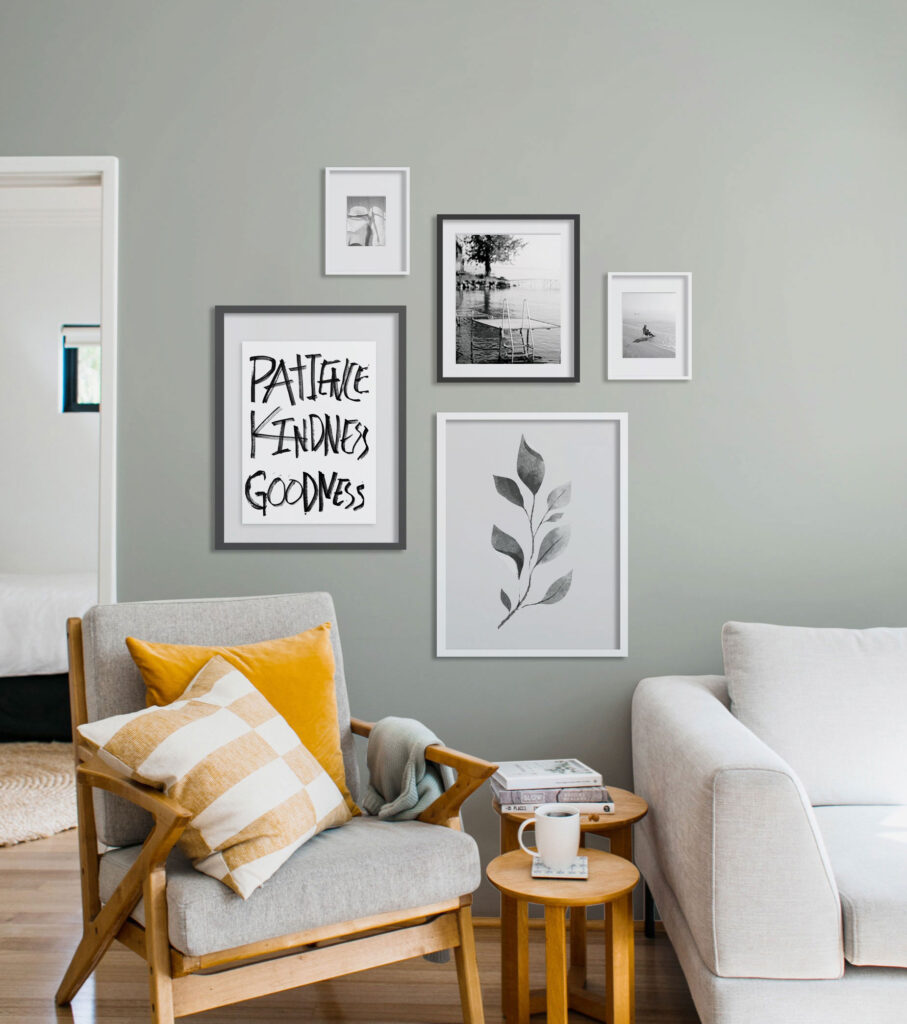
Example of a customized frame in a Room Mockup.
Painted wood
Painted wood is a versatile option that allows for enormous customization. Choose the perfect color to complement your piece from our 72-color palette and input the desired frame width. You can combine this selection with a gap to create a floating frame or with a mat to add some negative space.
Natural woods
For a classic, elegant look, you can’t go wrong with a natural wood option. Pick from different shades of ash, barnwood, cherry, espresso, mahogany, and walnut, and choose a width that brings out your artwork.
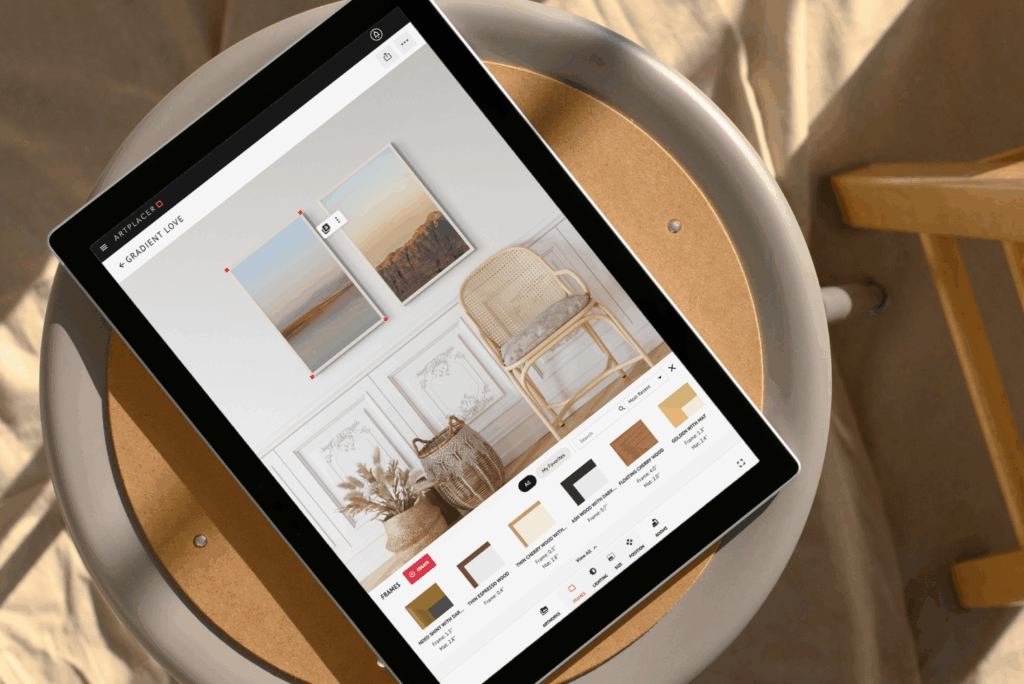
With ArtPlacer’s Frame Builder, you can create frames that reflect your particular and unique style.
Metal
Metal frames are an eye-catcher and provide an extra glow. For a modern feel, go for a Flat Matte or Rounded Shiny option. If you’re after a vintage and distinguished look, search for an Ornate frame. Then, adjust the width and color to make your piece pop.
Decorative
Look through our Gold Trims, Classy Dark, and Decorative frames for an out-of-the-ordinary choice. These are a great option for big walls or to create a focal point for a room.
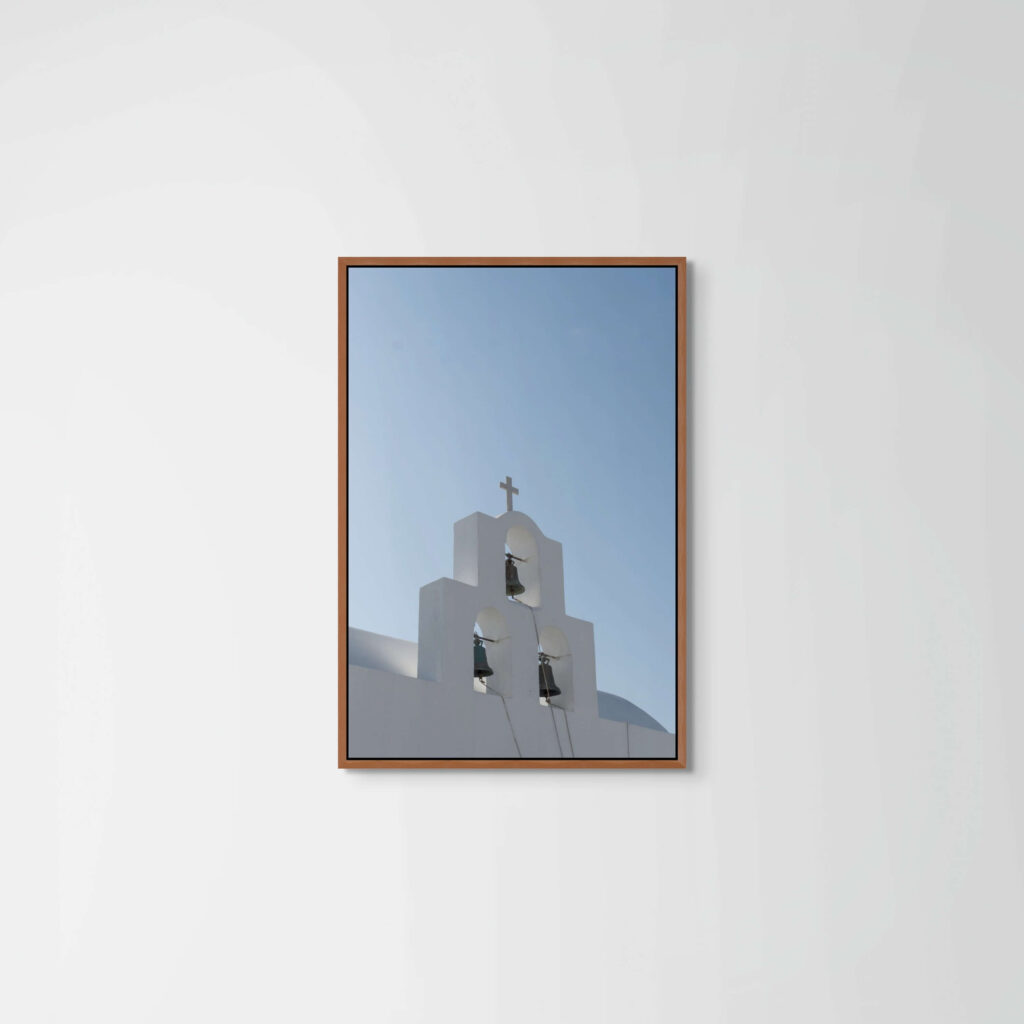
Do you offer frame options on your website? Create realistic mockups that reflect the final look.
Enhance your artwork product pages with framed and unframed views
When selling art online, presentation matters. Providing website visitors with both framed and unframed views of an artwork helps them visualize how the piece will look in different settings. Some collectors prefer the raw look of an unframed piece, while others want to see how a specific frame complements the work before making a decision.
If you offer custom framing options, you can build frames with ArtPlacer to recreate them digitally, ensuring that buyers see exactly what they will get. This not only enhances the shopping experience but also builds trust and boosts conversions by giving collectors more control over their purchase.
Framing your pieces and displaying them on a plain, white background with no environment is a great way to enhance your product pages. To do so, use the Room Mockup titled “Background” and showcase your piece on a blank slate to let the artwork speak for itself.
Sign up to ArtPlacer and start your free trial to start creating your own personalized frames for your artwork.

Is it possible to load personlized frames produced by ourselves?
Hi Roberto, thank you for reaching out. You can’t “import/load” the frames but you can create them from scratch in a couple of clicks.
What’s the largest sized artwork you can frame and place on a wall in this app?
is there a way to see the room mockups before getting a free trail? im looking for mockups of luxery homes, villas, castels, hotel lobbys etc…
Hi Johnny, you can place really big pieces! Up to 82 feet high, 40mb, or 1600 megapixels.
Hi Samer, we do have the spaces you’re looking for. You can check out some examples here https://www.instagram.com/artplacer.app/tagged/