Art Marketing
Best virtual exhibition platforms for artists and galleries
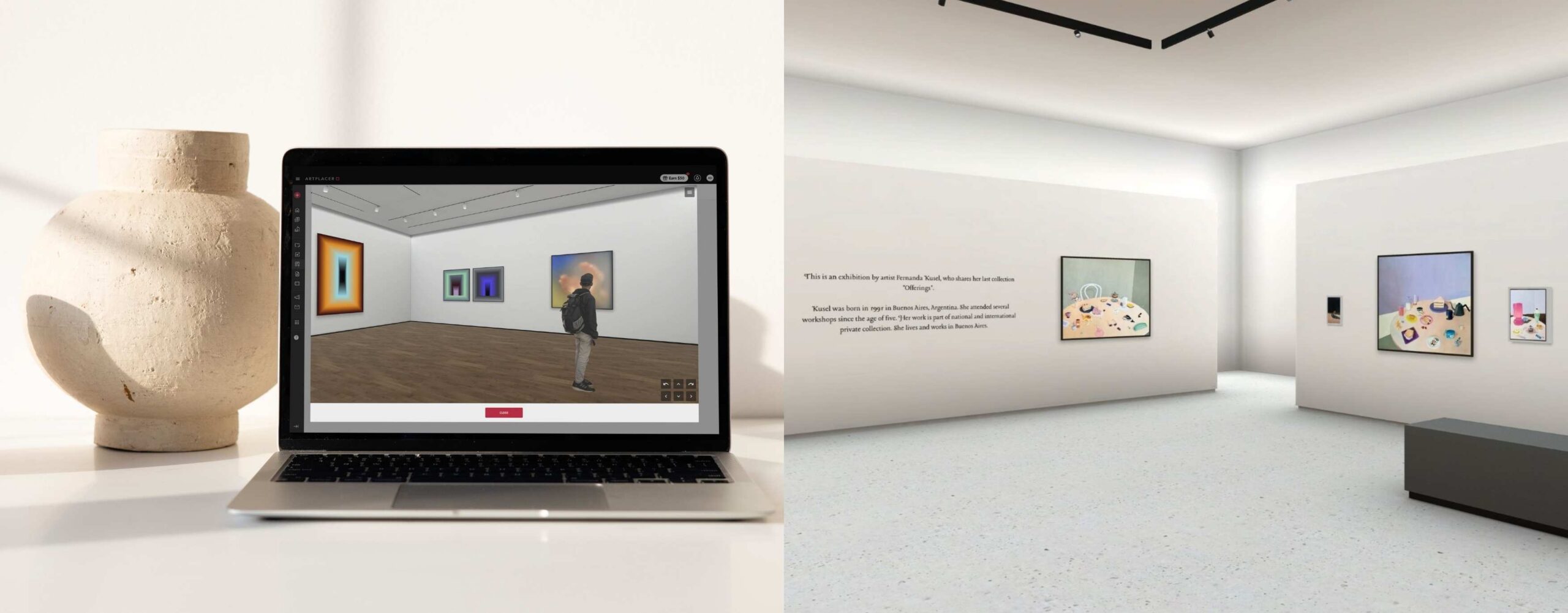
Artists and galleries need a platform that understands how artworks are curated, how collectors browse, and how a sale actually happens. The best virtual exhibition platform lets visitors navigate a gallery space, see artworks at scale, read a curatorial statement, and reach out to the artist, all from a single space.
This guide covers five virtual exhibition platforms, with a focus on features that support the full process: curation, customization, embedding, and sales. Keep reading to find which one is right for you.
Contents
What to look for in a virtual exhibition platform
Before choosing a platform, artists and galleries should evaluate five things:
Gallery environment quality. The most important factor is whether visitors can actually experience the space: navigate through it, approach individual works, and get a sense of scale. A flat image grid is not a virtual exhibition.
Customization. Wall colors, floor textures, framing options, and layout flexibility determine whether the space can create the look and feel you want for the show. Ease of use is also a factor: when choosing a platform, consider the technical know-how needed to execute these customizations.
File format support. A strong platform handles JPG, PNG, video, GIF, and ideally NFTs and 3D objects. Artists working in mixed media or sculpture need this range.
Embeddability and sharing. The exhibition should be accessible without requiring visitors to download a platform or create an account on a third-party site. Look for platforms that enable you to embed the show on your website and provide a shareable link.
Connection to sales. Visitors who want to inquire about or purchase a work should be able to do so directly from the exhibition.
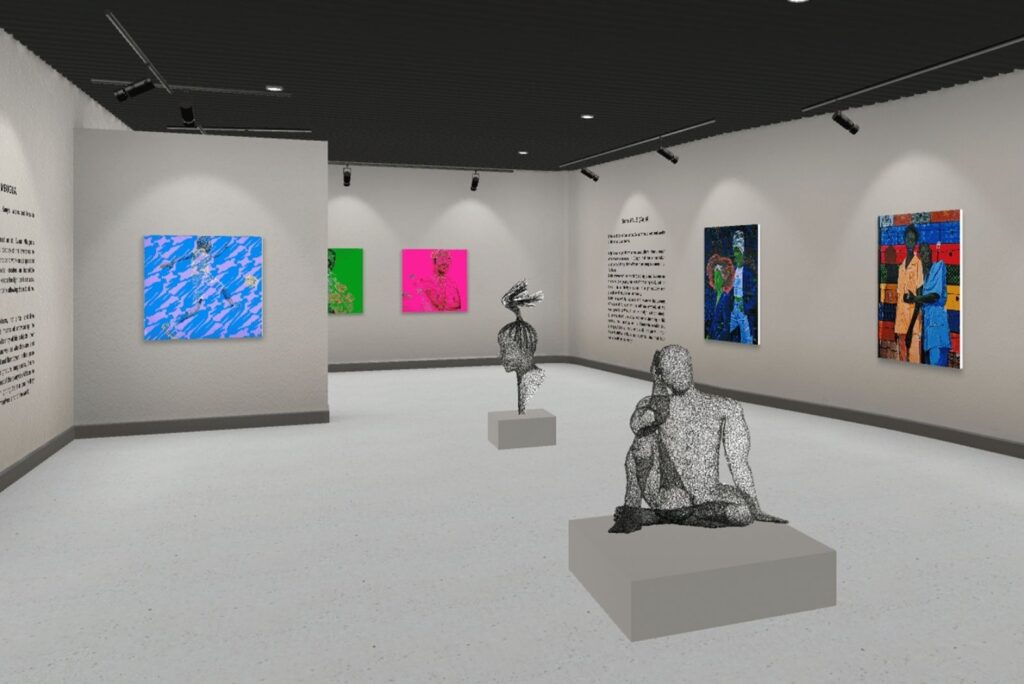
A good virtual exhibition lets visitors navigate the space, read curatorial statements, get information about the art and artists, and connect with the work in the smoothest way possible.
The 5 best virtual exhibition platforms for artists and galleries
ArtPlacer
Best for: Artists, galleries, and other art professionals who want polished, fully customizable virtual exhibitions that are simple to set up and update.
ArtPlacer offers 11 unique venues, from intimate single-room galleries to museum-scale spaces and art fair booths. Every detail is adjustable: wall and ceiling colors, floor textures, frame and mat styles. Artworks slot into place or can be dragged and dropped freely, with no design or technical expertise required.
File support covers JPG, PNG, GIF, video, and NFTs, so photography, painting, sculpture, digital art, and multimedia work all sit comfortably in the same show. Sculptures and 3D objects get pedestal placement with full control over position, size, and color. Wall text, curatorial statements, and downloadable PDF brochures can all be added to the exhibition, giving curators everything they need to build a fully contextualized show.
Once published, you can embed an ArtPlacer Virtual Exhibition directly on your website or share it via link, no app download for visitors. Each work has a detail view, and the “View in AR” button lets collectors visualize any piece on their own walls. Analytics cover visitor numbers, country of origin, and artwork interaction, giving you the data to refine your strategy, show after show.
Key features: 11 venue environments, extensive customization options (walls, floors, ceiling, frames, matting), pedestal support for sculpture, multiple file-type support, PDF brochure upload, AR visualization, analytics, embeddable on website, link sharing, Tour function, music library available.
Limitation: Virtual Exhibitions are not included in the two lower tiers.
Pricing: Virtual Exhibitions available from Artist Premium plan upwards, starting at $23/month (billed annually), which also gives access to other ArtPlacer features. 14-day free trial.
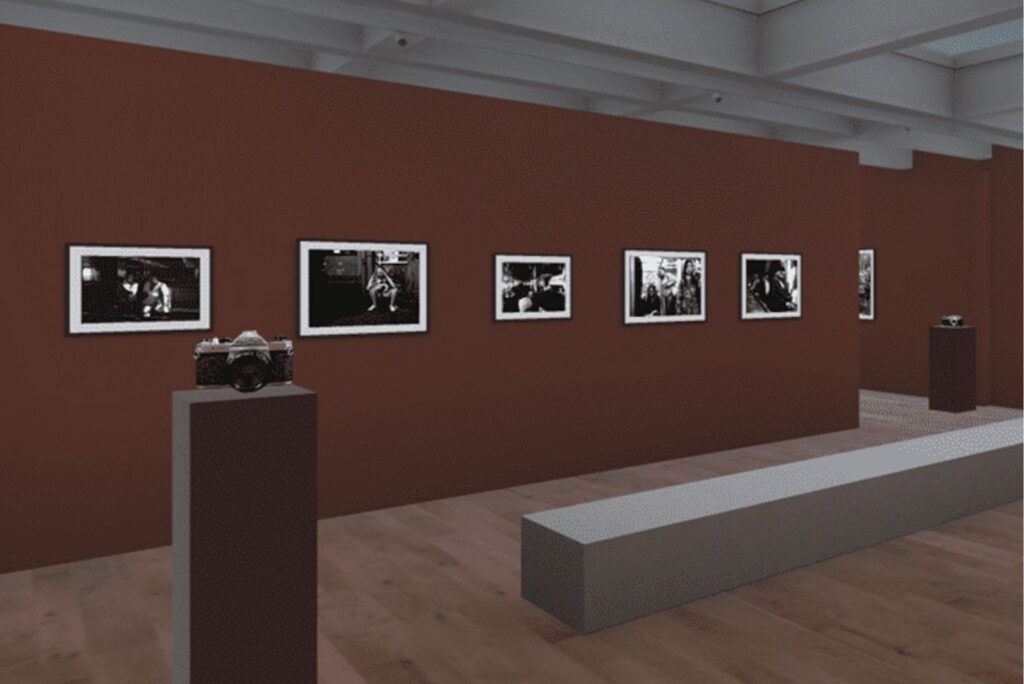
ArtPlacer’s Virtual Exhibitions support full wall and floor customization and music, includes a Tour option, and embeds directly on your website.
Kunstmatrix
Best for: People looking for a dedicated 3D exhibition platform with strong inventory management.
Kunstmatrix’s core product, Art.Spaces, is a 3D exhibition builder that allows artists and galleries to choose from pre-made spaces or commission fully custom environments based on real floor plans. The exhibitions support artworks, sculptures, audio guides, and video content. The platform has a marketplace of additional 3D spaces and props available for purchase, giving users more environment variety than the default set provides.
Exhibitions can be shared via link or embedded on external websites. The platform’s community gallery and featured exhibitions section gives artists some degree of discoverability within the Kunstmatrix ecosystem.
Key features: Pre-made and custom 3D spaces, AI-assisted audio guides, sculpture support, AR app, inventory and CRM tools, embeddable exhibitions.
Limitation: Limited artwork inventory, and the marketplace for additional spaces adds costs on top of the subscription.
Pricing: Plans starting at $12/month, with custom enterprise pricing available.
Shapespark
Best for: Exhibitors looking for photorealistic 3D virtual exhibitions with full technical control.
Shapespark provides photorealistic spaces with accurate lighting, materials, and shadows. It’s not built specifically around art inventory and exhibitions, but enables you to build both virtual-only spaces and digital recreations of real-world venues. The platform supports 2D artworks, 3D sculptures and installations, streaming video, and audio, accessible directly from any web browser.
The Windows desktop editor requires some know-how, which makes Shapespark better suited to users who are confident in managing the technical side of configurations.
Key features: Photorealistic real-time rendering, guided tours with audio, 2D and 3D artwork support, embeddable with no download, live video meetings.
Limitation: Shapespark is not an art-specific platform; it has no built-in inventory management, artwork labels, or sales inquiry tools. Artists and galleries need to add those elements through external integrations or custom development.
Pricing: Starter at $19/month.
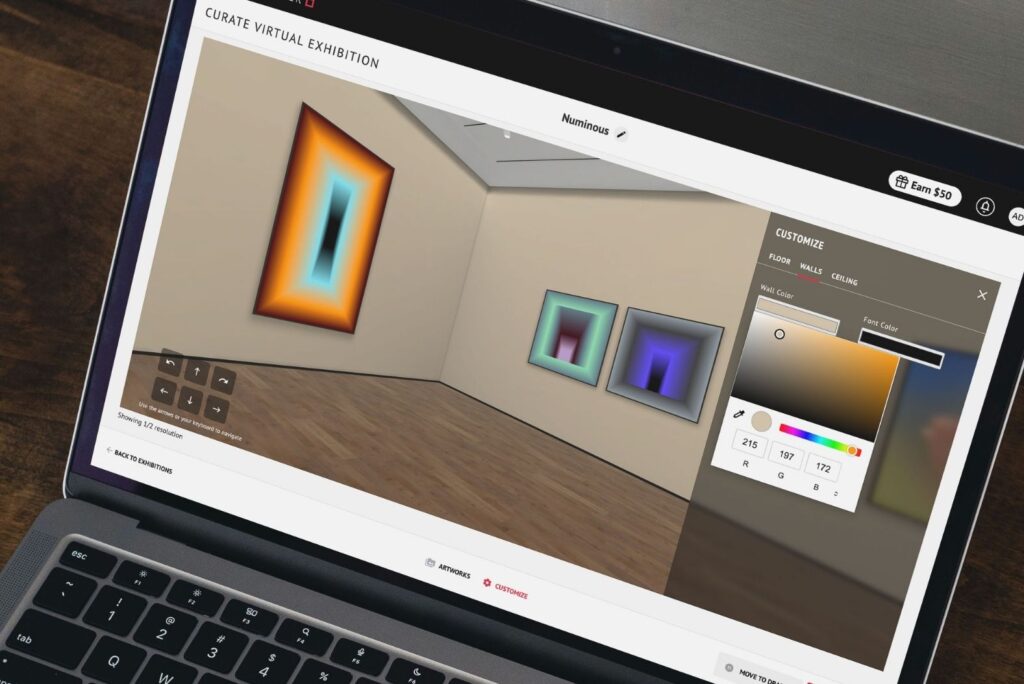
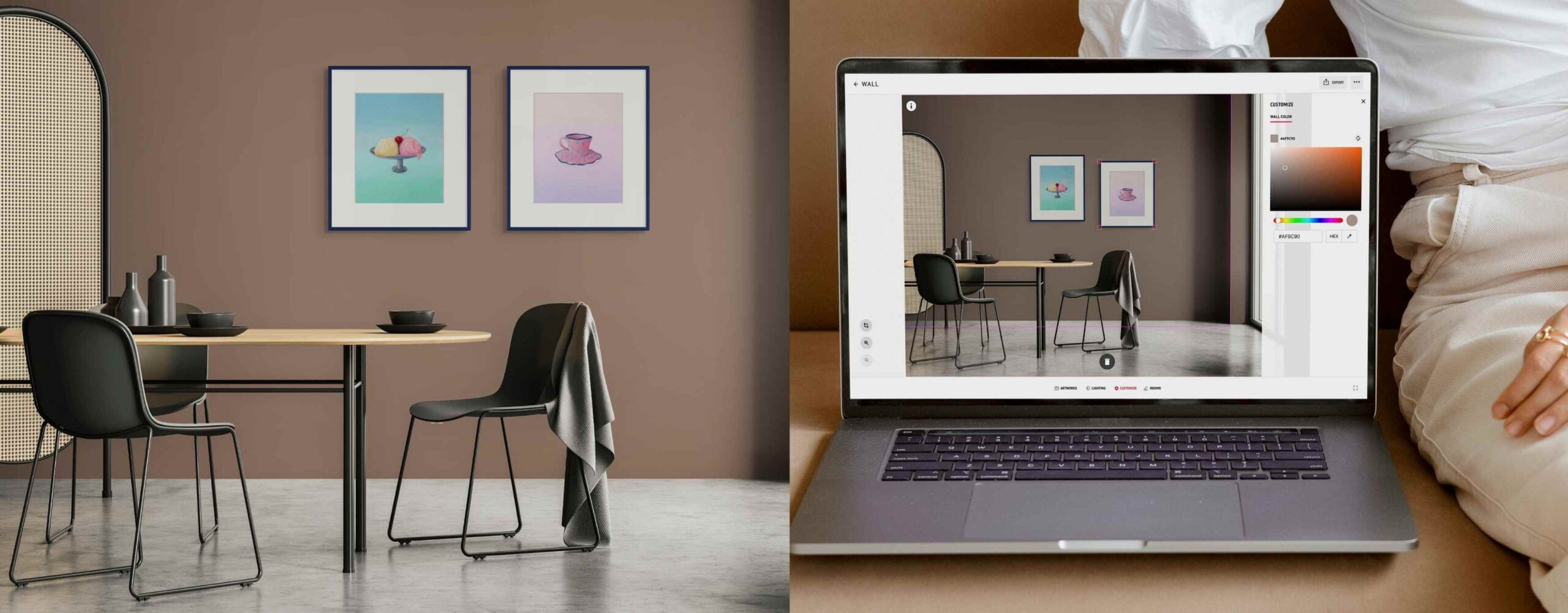
ArtPlacer offers extensive customization options for your Virtual Exhibition, like wall, ceiling, and floor colors, so the environment always matches the curation of your show.
Curat10n
Best for: Artists and galleries who want to outsource the creation of a virtual exhibition.
Curat10n operates as a managed service: clients choose a gallery space, supply their content, and the Curat10n team handles the build, formatting, and launch. Users can’t make changes or updates independently, which makes it less flexible to build and iterate on exhibitions independently.
The platform offers ready-made gallery environments as well as bespoke design options to recreate a real location or create something entirely original. Each space supports images, video, audio, and 3D models, with additional information and external links attachable to individual exhibits. Published exhibitions can be embedded on any website or shared via link.
Key features: Managed exhibition design and production, ready-made and bespoke 3D gallery spaces, image/video/audio/3D model support, embeddable on any website.
Limitation: Requires connecting with the Curat10n team for any desired modifications to the show. Because it’s a service, the price is higher than for other platforms.
Pricing: Ready-made galleries are individually priced, starting at $362.
Exhibbit
Best for: Those looking for realistic, architecturally precise environments.
Rather than offering a library of venue options, Exhibbit is built around a single, fixed gallery environment per plan. The platform provides framing and mat customization tools alongside flexible artwork placement. The constraints of a fixed architectural environment are a deliberate design choice to make planning shows faster.
Exhibbit is subscription-based, which positions it as a professional tool for galleries running regular exhibition programming rather than individual artists building their first online show.
Key features: Realistic gallery architecture, frame and mat customization, flexible placement, embeddable on websites.
Limitation: Each subscription covers only one gallery environment.
Pricing: Pricing is per gallery environment, starting at $10/month.
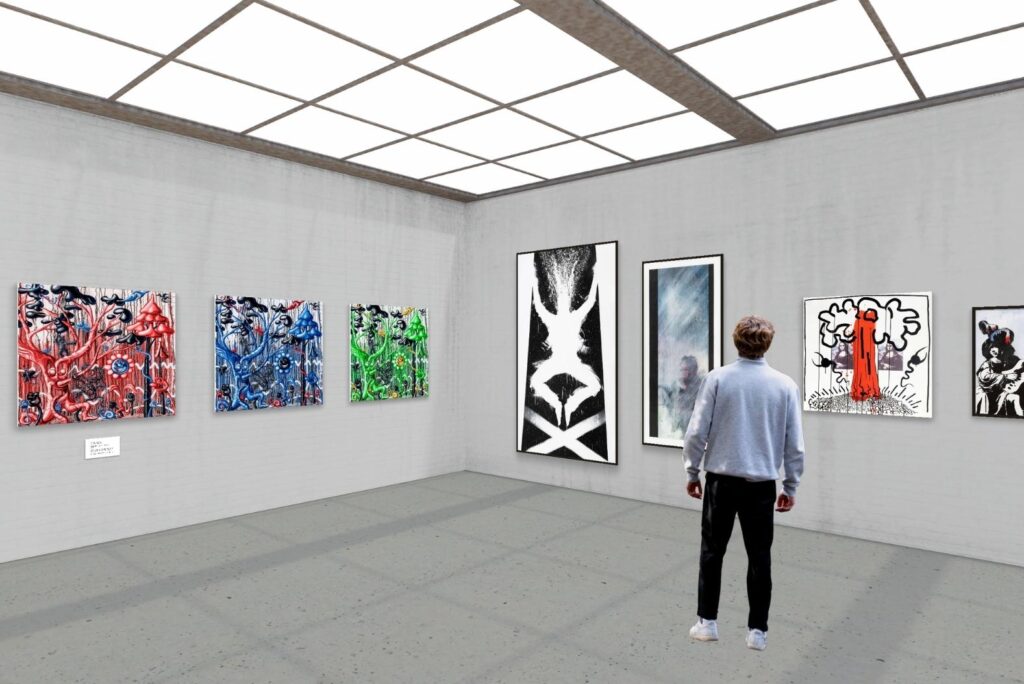
Choosing the right virtual exhibition platform depends on how much control, flexibility, and support your practice needs.
Which virtual exhibition platform is right for you?
The best virtual exhibition platform for artists and galleries depends on what the show needs to do. ArtPlacer is the only platform that covers environment quality, customization, file format support, embeddability, and a direct connection to sales in a single tool that is easy to use. The wide range of venues, extensive customization, AR integration for art visualization, and built-in analytics give artists and galleries everything they need to build, publish, and promote a show.
And if you need more than just exhibitions, the same subscription includes other ArtPlacer features (like Room Mockups, Portfolio Presentations, Personal Spaces, and Art Show Planner) that enable you to create a complete, holistic art marketing and sales strategy.
For artists, galleries, and every art professional looking for beautiful, immersive, collector-ready virtual exhibitions, ArtPlacer offers the most complete solution.
Updated 2026. Platform features and pricing are subject to change.