Artist
How to create realistic previews of art in place
Contents
Feature Launch!
Once again, our community spoke and we listened!
Because of your insightful feedback, starting today, two new features will be available in ArtPlacer. We now present (drum roll) Lighting and Framing options!
We love how our amazing community allows us to try new things, adapt and improve.
We want to provide something that’s of real value to you, whether you choose to mount your art in a client’s room to provide a better understanding of how the piece will work or stage your art in a fancy interior to share the preview on your social media profiles.
Lighting
You can now adjust the shade produced by artworks to simulate the lighting conditions of the room. Choosing between “None”, “Center”, “Left” and “Right” options will help you deliver more realistic previews.
Frames
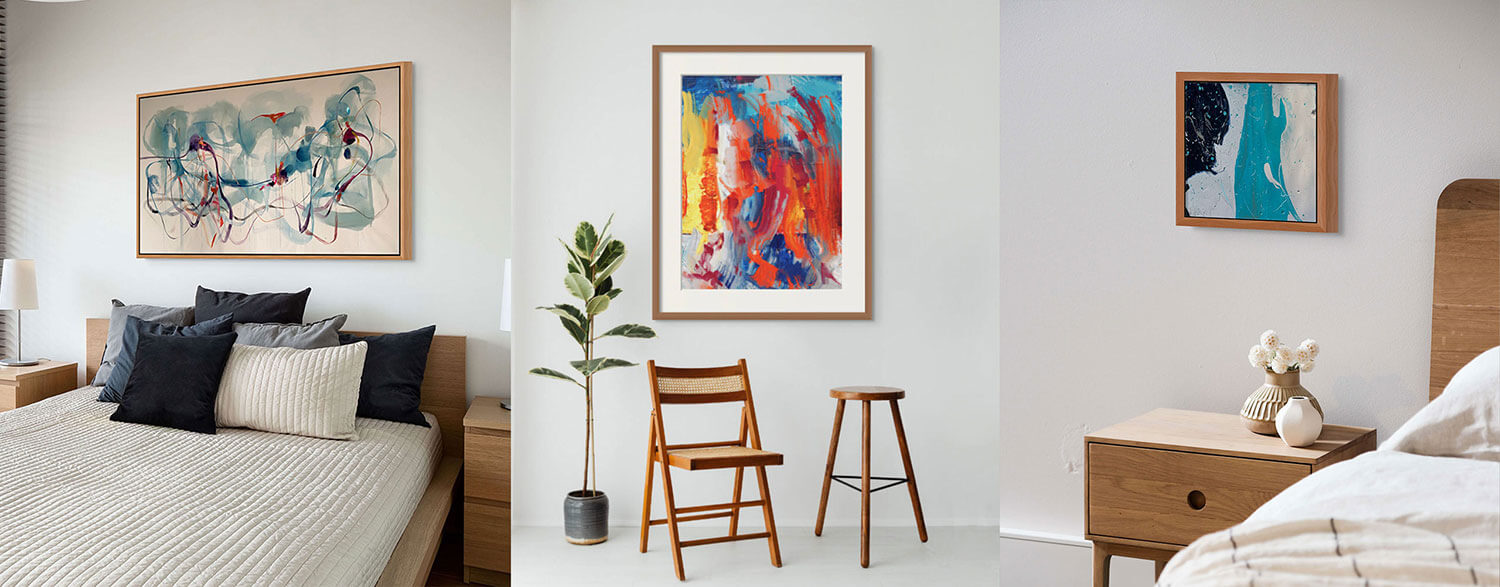
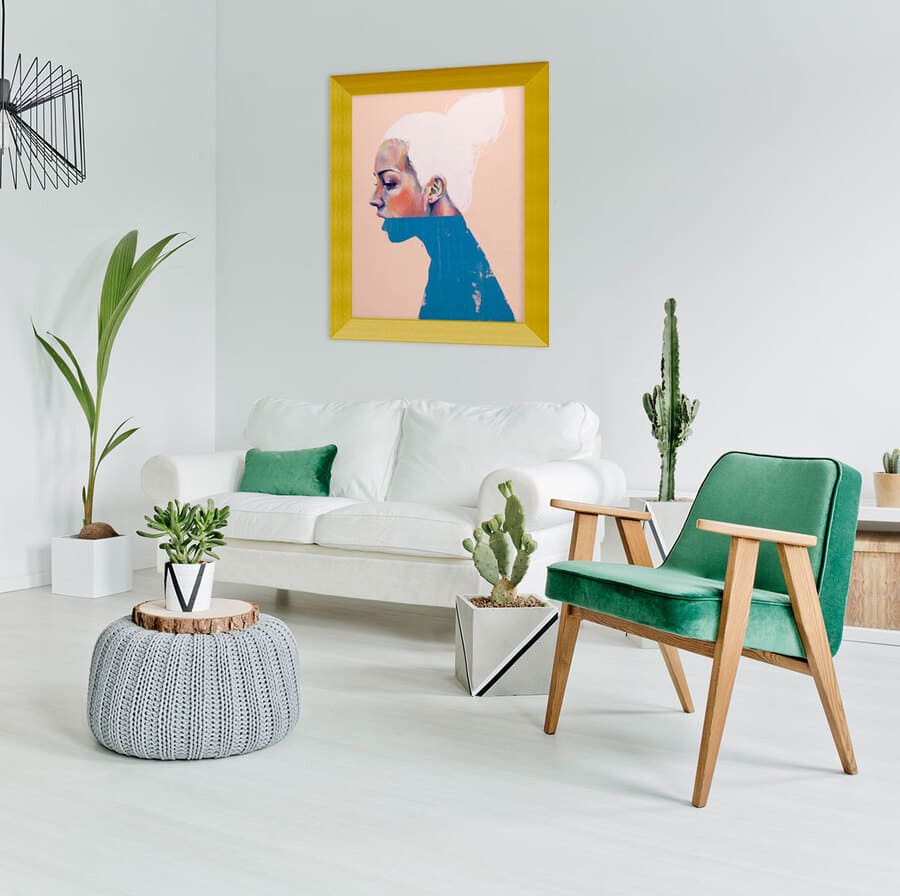
Our framing feature will take art staging to a whole new level. We are featuring options of different sizes and materials.
Thin frames are 1.1’’ and wide frames are 2.3’’. These measurements are added to the introduced dimensions of the artwork so as to visualize art in place with precision. Both thin and wide varieties include white mat options of 4.8’’.
Our spectrum offers Black and White Frames, Silver and Gold Metals, Dark and Light Woods, and even some Red and Antique alternatives.
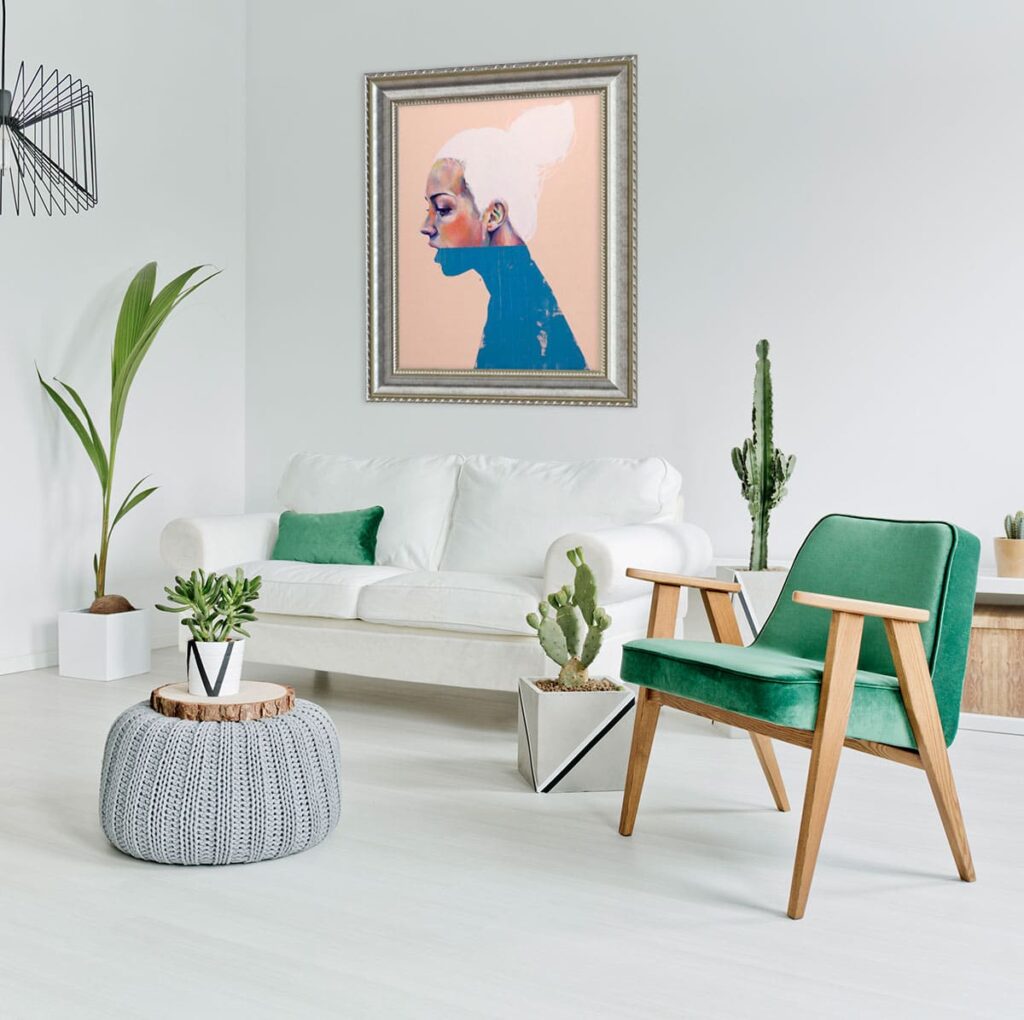
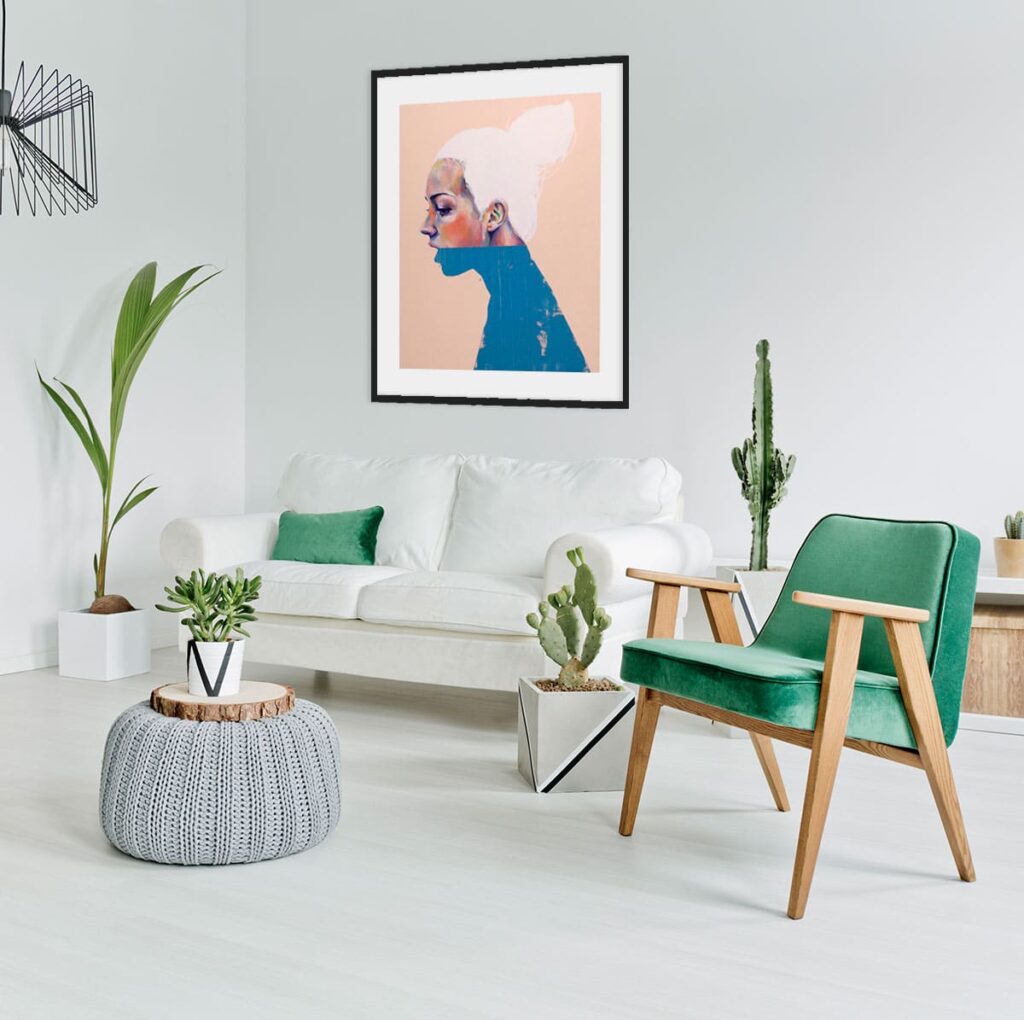
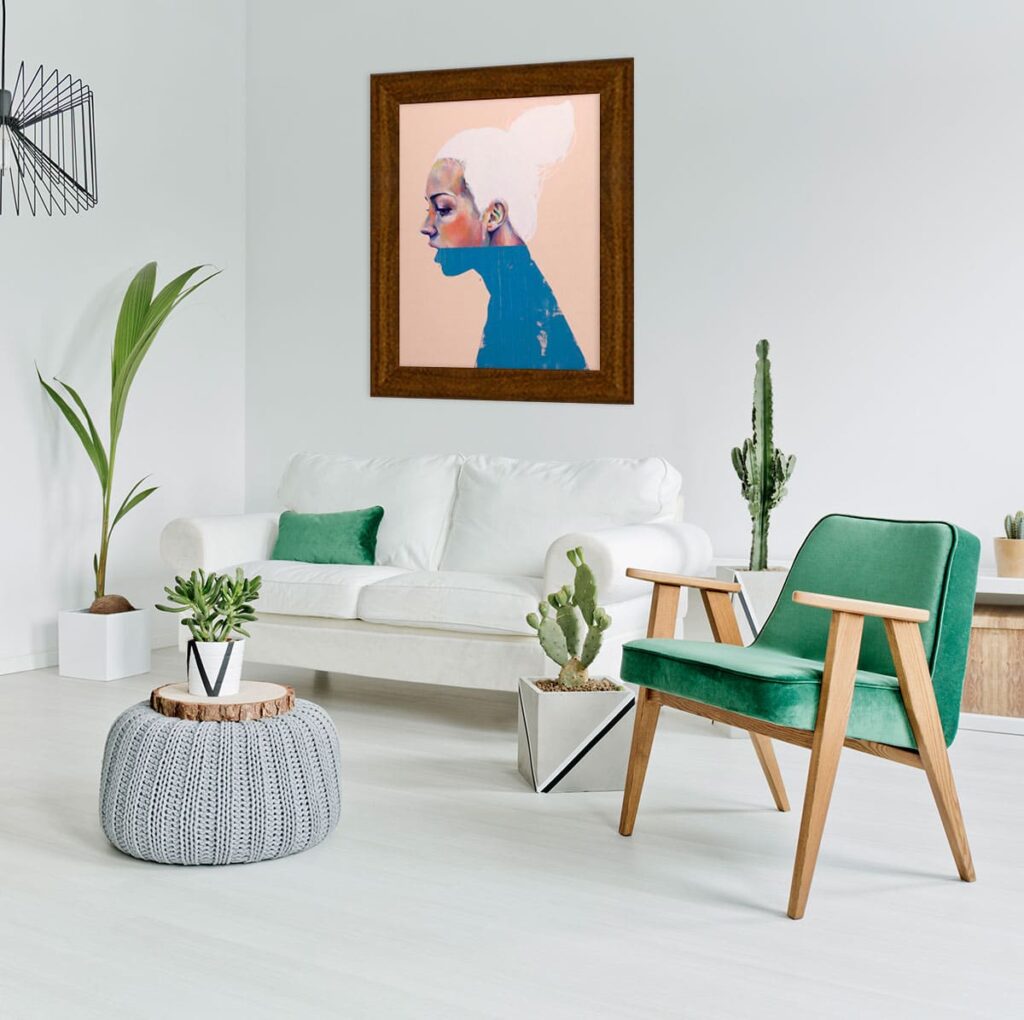
Breathe by Nice & The Fox via Brave Fine Art.