Art Marketing
Instagram content ideas for artists: what to post every month

Have you ever stared at your phone, wondering what to post? Then you’ve come to the right place. Thinking of Instagram posts for artists is one of the most common struggles we hear about, not because you don’t have anything worth sharing, but because it’s hard to do it consistently.
And consistency is what actually matters on social media. Showing up regularly builds trust with your audience, signals to the algorithm that your account is active, and slowly but surely turns followers into fans.
Here’s the good news: your process, your space, your perspective, and your day-to-day studio life are all worth posting. You don’t need a finished piece or a professional photoshoot, you just need a starting point. That’s exactly what this guide is. We update it every month with fresh post ideas for artists, so you always have an answer to the question every artist asks: what should I post on Instagram today?
Pick one or two that feel right and get posting. The most important part is to start.
Contents
What to post on Instagram as an artist this month
From artwork reveals to busting myths around being an artist, and from packing a piece for shipping to mini art tutorials, we’re compiling the best Instagram post ideas for artists.
Whether you’re figuring out what to post as an artist for the first time or just looking for a fresh angle to keep your content interesting, bookmark this page and come back whenever you need inspiration. The list gets updated every month, and you can use the ideas no matter the time of year.
Join ArtPlacer and access art marketing tools to elevate how you share your art. Start your free trial today!
A wonderful artwork reveal by Simone Christen. This kind of post is great to get people’s attention and bring them into the journey of making art.
Instagram post ideas for artists: October 2026
Inktober, my way: Share the prompt list you’re following (official or your own), then post your first entry.
Perfect pair: Select three pieces in Instant Mockups and post the 12 results as a carousel, asking followers which pairing of piece and room feels most “meant to be.”
My first sale: Tell the story of the first piece you ever sold; who bought it, how it happened, and how it felt.
Welcome to my site: Create a Viewing Room and screen record it talking about the pieces. Share the link in your profile.
The signature: Film how and where you sign your work and explain why you sign it that way.
Say it right: A carousel explaining 3 terms from your medium that people often mix up, like giclée vs. print or gouache vs. watercolor.
One mood: Create Instant Mockups for a single piece, and make a carousel or reel with several rooms that match the same vibe: offices, industrial spaces, light and airy.
Things I said no to: Talk about an opportunity you turned down (gig, commission, show) and what you learnt from it.
The gift shelf: Curate a small Virtual Exhibition of pieces at a gift-friendly price point and use the Tour feature to walk through it and record it.
Studio sounds: An ASMR-style Reel with only the sounds of your tools and materials.
Visuals sorted: Use Instant Mockups to create a batch of Room Mockups for each piece in your latest collection. Show variety, and turn your favorite rooms into videos.
The paperwork: Show what goes out with every piece (certificate of authenticity, back labels, care notes) and why each one matters.
Messages I keep: With permission, share a note from a collector or follower that stuck with you, and explain why.
Hung in order: Place a series of pieces in a long-wall Room Mockup and explain why they work together.
The five-minute version: Recreate a piece that took you weeks in just five minutes and post both side by side.
Off days: Share what you do on the days you don’t make anything, and what rest or admin days look like for you.
Instagram post ideas for artists: September 2026
Wish I knew: Film yourself answering the one thing you wish someone had told you before you started selling your work.
From A to Z: Carousel following one piece from its first sketch to the day it found its collector.
Wall test: Use the AR Widget to hold your phone up to a real wall and place a piece in real time.
To be sold: Talk openly about a piece that hasn’t found a buyer yet and your honest guess as to why.
Scale check: Try the same piece at three different sizes in the same room and discuss how size changes a space. Perfect if you sell prints
The comparison trap: Talk about a time you compared your work to another artist’s and how you worked through it.
Sweet sounds: Create and share a playlist for a work or series of pieces, and talk about how the music inspires you.
Tool regret: Share a material or tool that didn’t live up to the hype and what you’d get instead.
The one piece: Talk about an artwork that shifted how you approach your work and explain what changed.
Fair prep: Share how you get ready for fairs, from choosing the pieces to packing them.
On my easel: A quick, unpolished peek at whatever’s in progress today, no context needed.
Portfolio play: Screen-record generating an Online Viewing Room and talk through the curation process.
My fave: Share a work you nearly kept for your own collection and what changed your mind.
Your personal gallery: Use Personal Spaces to arrange several of your pieces together as a gallery wall inside an actual collector’s room.
The 3 am idea: Share a piece that started from a random, half-formed idea you almost didn’t chase, and show how it turned out.
Color panic: Talk about a color you’ve been steering clear of lately and challenge yourself to use it.
Instagram post ideas for artists: August 2026
Color story: Create a series of Room Mockups with pieces that share a dominant color and talk about your palette.
AMA: Invite questions about pricing, process, or the business side, and answer a few in the caption.
If I made it again: Revisit an old piece and show or describe how you’d approach it differently with what you know now.
Submission season: Share your process for applying to fall fairs, shows, or open calls right now, deadlines and all.
Odd pairing: Share two pieces that couldn’t be more different, and explain what connects them anyway.
Cheap thrills: Highlight your favorite cheap tool, product, or resource that you love or found an unexpected use for.
The framing game: Record yourself trying out different framing styles in a Room Mockup, and then the resulting room with final framing, talking through your choice.
Close call: A piece you nearly didn’t submit or post, and why you’re glad you did.
Bestseller breakdown: Share your best-selling piece and your honest guess at what made it resonate.
Room remix: Use a Smart Room Mockup to create different versions of the same room with different wall colors and piece arrangements.
Bonus post: Pick a post that worked well and recreate it with a twist, or choose one you enjoyed making and repeat it.
Booth, before it’s built: Use the Art Show Planner to lay out your next art fair booth digitally, and talk through the process.
The stack: Show your finished pieces sitting unposted or unsold and pick one to talk about.
The pop-up show: Curate a Virtual Exhibition around a single idea (a concept, a season, a feeling).
Restock day: Recap what ran out and what you got in your last supply run. Make it a carousel or a vlog-style Reel.
Before you start: Show your workspace right before you start a piece; coffee, playlist, lighting, pets.
Instagram post ideas for artists: July 2026
GRWM: Show what’s actually in your bag or kit when you go out to paint, sketch, or shoot.
Light and mood: Place the same piece in two Room Mockups with very different moods and ask followers which one makes the work feel more “right.”
Almost didn’t happen: Tell the story of a piece you nearly gave up on and what made you finish it.
The critique that stuck: Share a piece of feedback that changed how you see your work, even if it stung at first.
What’s in my queue: A quick rundown of the pieces, projects, or ideas currently waiting for your attention.
The one rule I break: Share a “rule” of your medium that you regularly ignore, and why it works for you.
The first room: Build a single-room Virtual Exhibition entirely around one idea or color story, and record a short tour explaining the curation.
The piece that pushed me: Talk honestly about a work that challenged you technically or creatively, and what got you through it.
Is it worth it?: Talk about a tool or material you invested in, and whether it was worth it.
An unexpected teacher: Share something outside the art world (a job, a hobby, a person) that shaped how you create.
See it before you buy it: Screen-recording of the AR widget placing a piece in a real room in real time, showing how true-to-scale visualization helps a buyer decide.
Set the scene: Share the light, view, or environment around your workspace today and how it’s shaping your mood or work.
The waiting game: Talk about the part of your process that requires patience and how you deal with that.
The reference pile: Show the reference photos, sketches, or objects you gathered before starting a piece and explain why they mattered (or not).
To my younger self: One piece of advice for someone just starting out in your medium.
Same piece, three rooms: Stitch together short Room Mockup video clips of one piece styled in three different room types, set to music.
Artist Felicity Rutherford styled one piece in many Room Mockups, showcasing the versatility of her work. Inviting followers to choose their favorite in the comments is a great way to get the conversation going.
Instagram post ideas for artists: June 2026
Big surprise: Talk about a work that turned out completely different from what you planned or expected.
Frame it: Show the same piece in the same Room Mockup with different frames and ask your followers to vote for one.
What I don’t share: Share the parts of your practice you rarely post: the doubt, the mess, the pieces you trash.
Commissions 101: What happens when someone commissions a piece? The conversations, the brief, the first sketch.
The full picture: Dive deep into one piece in a carousel with finished artwork, process clips, close-ups of the details, and a Room Mockup.
Sketchbook tour: Flip through a sketchbook or journal, and ask people which page they’d like to see in detail.
Portfolio update: Screen-record your Discover Profile. Narrate it like a tour: what’s on it, how you curated it, and where to find it.
Texture Tuesday: Extreme close-up video of surface texture on one piece (paint layers, pencil marks, etc).
The on-holds: Show a WIP that’s been sitting unfinished for a while and talk about what’s blocking you.
Virtual Exhibition sale show: Curate a Virtual Exhibition with your current available work and use the Tour feature to record it, talking about each piece.
Reference vs. result: Share your inspirations side-by-side with the finished piece and talk about your process.
Mid-year reset: We’re halfway through the year. Share what you’ve made, what you learned, and what you’re aiming for in the second half.
The faves: A carousel of the things inspiring you and feeding your practice right now (books, podcasts, exhibitions, films).
Shipping day vlog: A casual Reel showing the logistics that happen after the sale.
Personal Spaces client reveal: A collector’s space before and after, and how you found the perfect artwork fit using Personal Spaces (get their ok before posting).
One sentence per piece: Carousel of 5 or 6 works, each with a single sentence that captures what it’s about.

Instagram post ideas for artists: May 2026
Behind the piece: Share studies, sketches, or reference images that informed a piece you’ve done or are working on.
May goals, out loud: What are you working toward this month? Saying it makes it real.
3 things I wish I knew earlier: Lessons about the art practice or business that took you too long to learn.
Cinematic: Do you have deals for Mother’s Day? Showcase your for-sale pieces in Room Mockup videos and post them as Reels.
Creative block check-in: It happens to all of us! How do you tackle a creative block?
The soundtrack: Film a reel of your workspace with the music that inspires you and fuels your practice.
Two ways to hang it: Same artwork, same Room Mockup, but hung horizontally and vertically to explore how orientation changes the feeling.
The why behind the work: Your creation process and the thinking or intention behind a specific piece.
Clean up crew: A time-lapse Reel of you cleaning up your studio/studio space.
Inquiry tutorial: Screen record your Discover profile. Click on the Widget buttons and show the path collectors will take.
Show prep: What does getting ready for an exhibition look like for you? Share the logistics, the decisions, the details.
This or that: Ask your followers for their help on a piece (the title, the colors, or the frame). Great for engagement.
Inspiration walk: A short Reel of something outside your studio that’s informing your work right now.
The reject pile: The sketches or pieces that didn’t make the cut, and what you learned from them.
Price transparency: Talk about how you price your work, openly. This can be hard for artists and insights are always welcome!
Group by color: Display pieces that have similar palettes or a repeated color in Room Mockups.
Sergio Gomez introduces us to the one and only Annie Bobani. Sharing your pets is a great way to connect with your audience by letting them get to know you and encourage them to share their own furry friends.
Instagram post ideas for artists: April 2026
Artist origin story: What got you started making art? The moment, the feeling, the spark.
DIY art photography: Walkthrough on how you get the best shots of your work. Practical and shareable.
Walk the room: Generate a scroll-stopping Room Mockup video and post it as a Reel.
Weekly win: Something worth celebrating, big or small (a sale, show, feature, or piece).
Artwork checkpoint: Carousel showing 4–5 key checkpoints from start to finish.
Who are you?: Update your Discover Profile and explain your curation. Share the link in bio!
Myth-busting: Share your insights into something people get wrong about being an artist.
Commission FAQ: Share the things you’ve learned about working with clients.
Favorite tool: Your dearest brush, your favorite lens, a perfect pigment. Tell us why you like it.
Perfect fit: Place one artwork into several Room Mockups to show your versatility. Turn them into videos and make a Reel for extra punch.
Studio buddy: Introduce your pet and show who really runs the studio.
Unfinished corner: Show the pieces or sections that are in progress, on pause, or almost there.
Come to the show: Share your Virtual Exhibition and talk about how you put the show together.
Mini tutorial: One technique you use regularly, explained simply (layering, blending, editing).
Creative goals: What you’re working towards or hope to achieve. Make it real by saying it out loud.
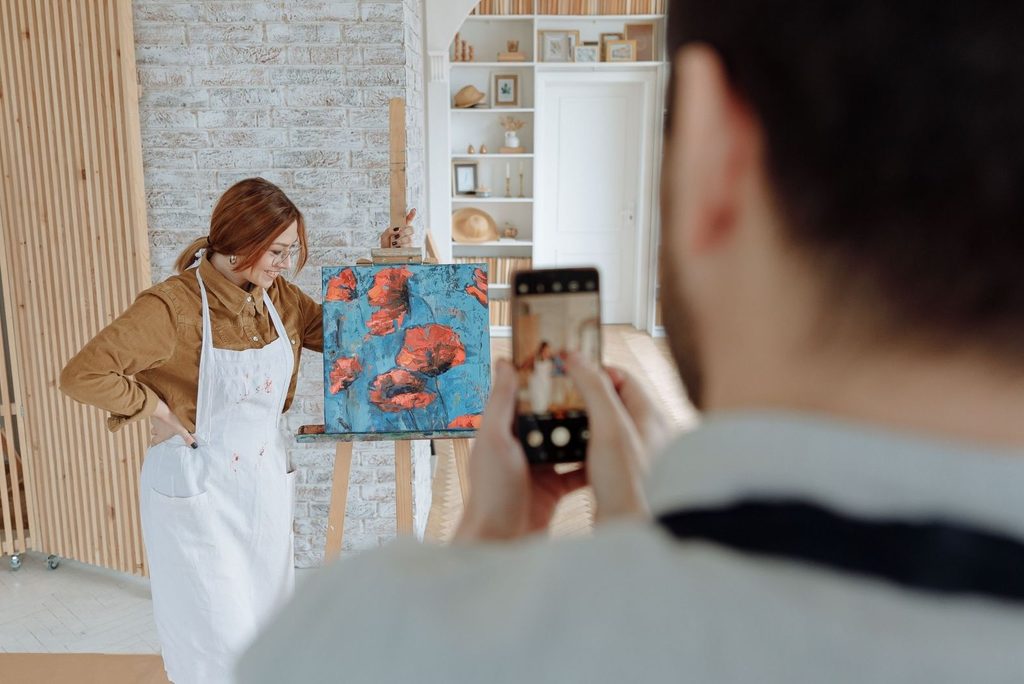
Stephanie Saeta shares her work in progress. It’s a great way to build excitement for the process of making art and get people to come back to see the finished piece.
Instagram post ideas for artists: March 2026
Work-in-progress peek: Share clips or images showing a piece as it develops, from early marks to where it is now.
Business POV: Share pieces in business Room Mockups (restaurants, offices, hotel lobbies) to show the versatility of your work.
Studio snapshot: Post a photo of your studio as it looks today: finished, messy, or ready to go.
Materials breakdown: Show the tools or materials you’re using most right now and explain why you like them.
Mistakes & fixes: Share something that didn’t work in a piece and how you adjusted or solved it (bonus points for showing clips).
Behind the piece: Explain the idea, feelings, or story behind a specific artwork. Share what inspired you, and what the challenges were.
In the room: Show different artworks in the same collector’s room using Personal Spaces (make sure to get permission before posting).
Before & after: Show the transformation of a piece, from blank canvas or underpainting to finished artwork.
Texture up close: Share close-up shots or short video clips zooming into surface details. Go for color, texture, layers, and materials.
Welcome to the show: Capture clips or shots from your Virtual Exhibition and talk through how you curated the space.
Frequently asked: Answer one frequently asked question you get from buyers or collectors. Show your expertise!
Day in the life: Film a reel showing what a typical day looks like for you as an artist (even if you only get to the studio after your 9-5).
Gallery wall: Create a gallery wall of your artwork in a Room Mockup you love. Post as a carousel and include single-piece slides.
Time-lapse reel: Post a fast-forwarded video of you working on a piece.
Ready to go: Share a video of how you prepare and package an artwork for shipping to a collector.
Share your art the way it deserves to be shown and create amazing content for social media with ArtPlacer. Sign up and start your 14-day free trail.
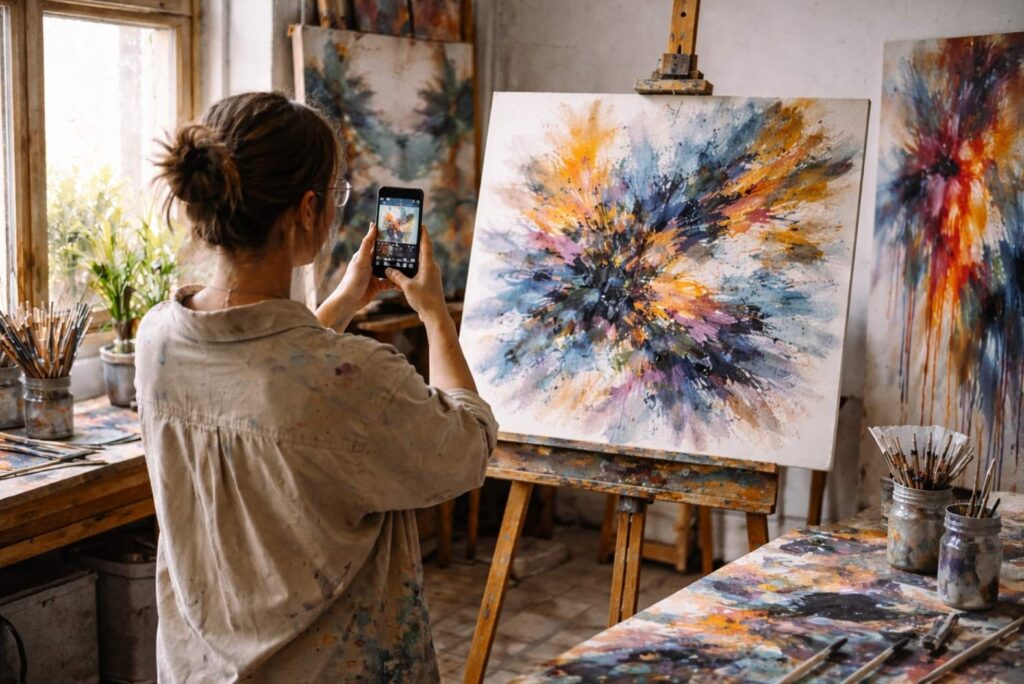
Capture your work at different times, from blank canvas to finished piece, and use that material for different types of posts: time-lapse, detail shots, final reveal.
Instagram post ideas for artists: February 2026
Moodboard post: What inspired your latest piece/what’s been inspiring you lately.
Artwork carousel: One piece, multiple detail shots.
Portfolio refresh announcement: Update your Discover Profile and share a screen recording of it (don’t forget to add the link in bio!).
Throwback post: Early work vs now.
Community spotlight: Share another artist you admire.
Palette post: Share the exact colors used in one artwork.
Triptych: Create a Room Mockup showcasing a trio (or duo) of pieces that go well together
Collector’s eye: Share the same piece in several different Room Mockups, to help collectors imagine it in their spaces.
Artwork reveal: Record a reel turning a piece around from back to front to reveal it
Virtual Exhibition walkthrough: Create a Virtual Exhibition and share it: record a walk through the space or capture screenshots and make a carousel. Don’t forget to link to it!
Color reveal: A black and white photo of a piece, followed by the same photo in color, to reveal the palette
Swipe for process: A carousel with snapshots of the process of a piece (for example, from blank canvas to underpainting, to detailing, to finished piece)
The nitty gritty: Record the piece from up close, focusing on the details, and tell your followers about its elements and the thinking behind them
Help me title: Share your latest piece and ask your followers to help you title it
Artist warmup: Record a time-lapse reel of yourself working on a quick sketch or outlining a piece. Show the process, keep it low-key.
Artist at work: Show yourself working on a piece and then reveal the finished work.
All angles: Create a carousel with pictures of a piece in your studio, the same piece displayed in a Room Mockup, and detail shots of it.
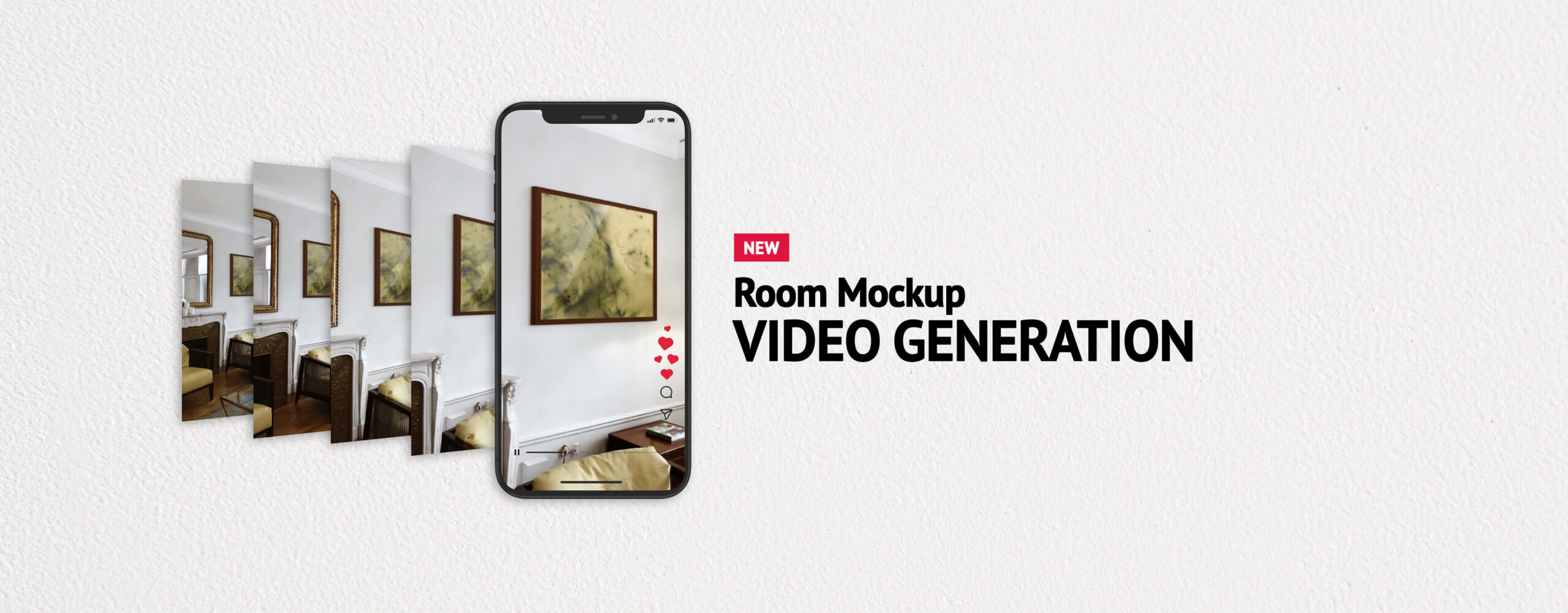
Room Mockup videos give you a cinematic, immersive experience by making you feel like you’re walking through the room towards the art.
Fresh Instagram ideas, delivered to your inbox
Why bookmark this page when we can bring the ideas straight to you? Every month, we send new Instagram post ideas for artists, plus marketing tips, tool walkthroughs, and inspiration to help you show up consistently and grow your audience. No fluff, no spam, just what you need to keep posting (and selling).
Sign up and never run out of ideas
Tools to help you create better Instagram posts for artists
Some of the best-performing Instagram posts for artists aren't just a photo of a finished piece; it’s content that gives your audience context, atmosphere, and a reason to stop scrolling. ArtPlacer’s tools are designed to help you market (and sell) your art, and they’re perfect for creating posts that showcase your work and your vision.
Not on ArtPlacer yet? No problem. Create your free account and start turning your work into content that sells.
How to show your art in a room on Instagram
One of the most engaging types of Instagram content for artists is showing how your work looks in an actual space. With Room Mockups, you can digitally place your artwork into beautifully styled interior settings, giving your audience a sense of scale and how the piece would feel in their own home. It's an effortless way to make your work feel tangible and desirable.
To take your posts even further, you can generate Room Mockup videos. Instagram's algorithm prioritizes video content, and this is one of the smartest Reels ideas for artists: turn any Room Mockup from ArtPlacer's library into a video where the camera moves subtly toward your art, giving the feeling of walking up to the piece.
The best way to post a series of artworks on Instagram
Want to know what to post on Instagram when you have a whole body of work to share? Virtual Exhibitions let you build an immersive online show that you can share on social media. Whether it's a new series, a seasonal collection, or your portfolio highlights, Virtual Exhibitions give your audience a curated, professional experience that takes them on a journey through your work.
Artist, curator, and coach Sergio Gomez created an Instagram carousel to showcase and promote his Virtual Exhibition.
The best link-in-bio for artists on Instagram
Growing on Instagram as an artist isn't just about posting, it's about what happens after someone lands on your profile. Your Instagram bio link is valuable real estate. Discover Profile gives you a dedicated, shareable page where collectors and followers can explore your portfolio, learn about your work, and get in touch, all in one place (you can even add a Virtual Exhibition to it, for a more immersive experience). Use your Instagram posts to drive traffic to your Discover Profile and turn viewers into buyers.
How to create room mockups with your collector's photos
If you’ve worked with collectors to find the right art for their space, that process is exactly the kind of content your Instagram audience wants to see. It helps validate your work and the fact that you can deliver as a professional artist. Personal Spaces is the tool for this, because it lets you upload photos of your collector’s space and try out your artworks in them, to solve doubts around fit and style. The result makes for some of the most compelling Instagram posts for artists who want to show their work in a real-world, relatable context (just make sure you have your client’s permission to post).
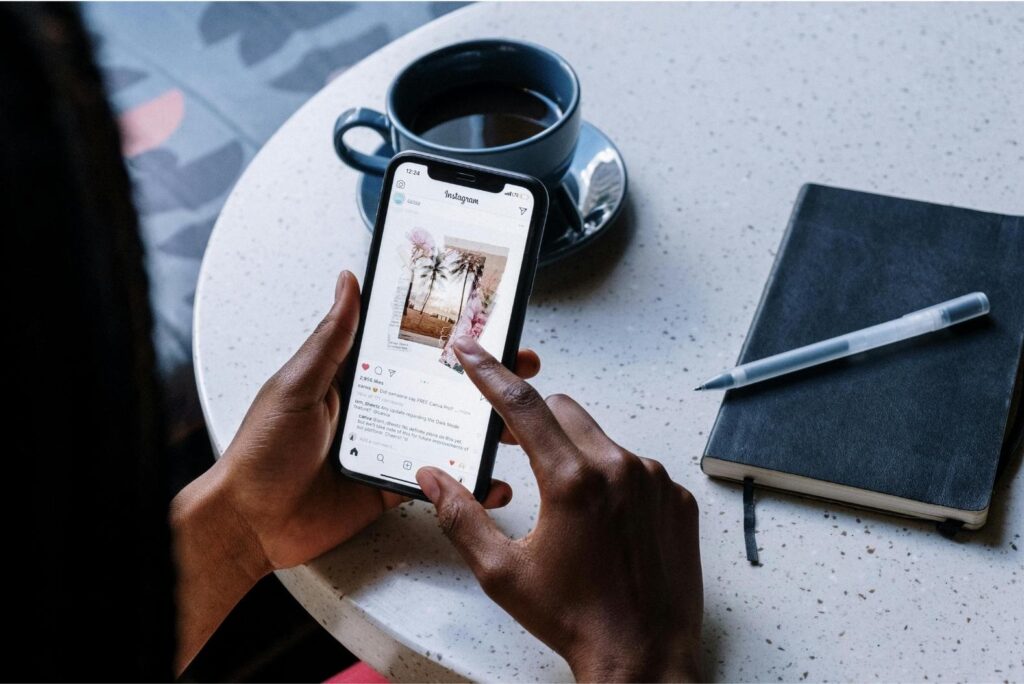
Growing an audience on social media is all about consistency. We created and update this guide monthly so you always have fresh ideas to post.
How to post consistently as an artist (and why it matters)
Consistency isn't about posting every day or having a perfectly curated feed. It's about showing up regularly enough that the right people start to recognize your work, trust your voice, and stick around.
The post ideas for artists in this guide are a starting point, not a checklist. We update it monthly, so you always have new Instagram content ideas for artists to draw from; just pick what resonates, and get to posting. The more you do, the more you'll learn what your specific audience responds to, and your Instagram growth as an artist really starts to accelerate.
And if you want to take your Instagram presence even further, ArtPlacer gives you the tools to present and share your work professionally, so everything you post looks as good as the art you make.